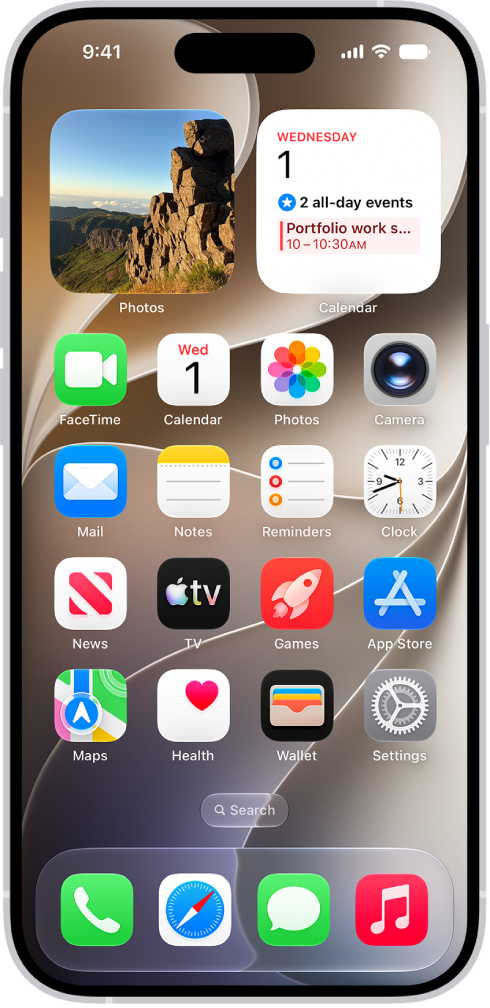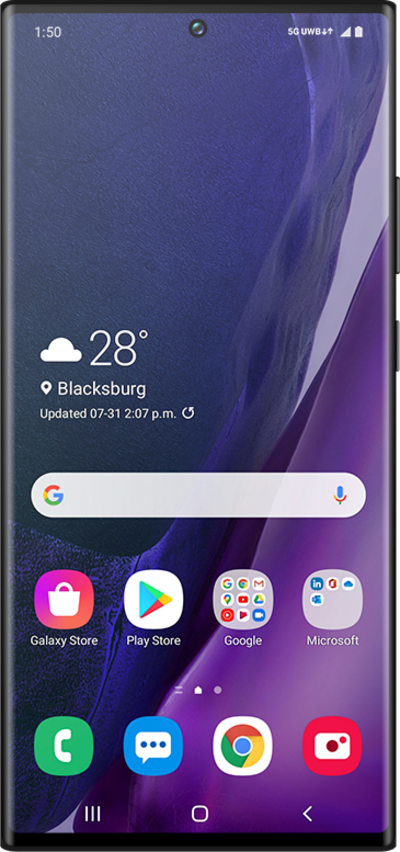
Plug in your phones.
Install Switchboard Host on your computer. Connect it to your account, then plug in your phones with USB cables.
Leave the computer on and the phones connected.Plug your iPhones and Androids into your computer. You and your team can then control them from any browser.
Use your own phones. Invite your team.
FROM YOUR DESK TO THEIRS
Install Switchboard Host on your computer. Connect it to your account, then plug in your phones with USB cables.
Leave the computer on and the phones connected.Send your teammates an invitation. They sign in with their own accounts from wherever they work.
One shared workspace. A separate login for every teammate.Click a phone in your browser. Tap, swipe, and type as if it were in your hand.
Open one phone or view several at once.


Illustrative workspace · scroll to explore
iPhone setup requires Xcode signing, Developer Mode, and device trust. The Mac installer is currently a pilot awaiting Apple notarization.
PEOPLE, PHONES, PERMISSIONS
Let someone work on your phones without handing over your Switchboard account.
Set up your teamKeep your iPhones and Androids where you need them. Connect hosts across your locations and open the phones in one shared workspace.
Invite teammates with their own accounts. Give operators access to the work, while admins manage the people and hosts.
Remove a member when their work is done. Team roles keep management and everyday phone control separate.
Session usage and the activity log help you understand which phones were used and who performed each action.
BUILT FOR THE DAILY WORK
Phones, people, and activity together. Keep the work moving without passing a device around the office.
ONE PHONE OR THE WHOLE GRID
Tap, swipe, type, and use hardware controls. Focus on one phone, then return to multiview to move across your connected iPhones and Androids.
Open SwitchboardPICK YOUR SETUP
Create your account, build your workspace, then activate your seats.$79 per person/month. Two seats minimum.
UNLIMITED PHONES · TWO-SEAT MINIMUM
Every person gets their own seat and login. Connect as many of your own phones as you need.
Bring your own phones, host computer, and internet connection. Admins count as seats.
USD, billed monthly. Renews until canceled. You supply your phones and internet. Practical capacity depends on your host, USB hubs, and network.
Your teammate uses a browser and their own Switchboard login. The Host app runs on the computer that is physically connected to the phones.
That is the intended workflow. Keep the host online and invite the person to your team. The private pilot is validating cross-network streaming; restrictive networks may need relay connectivity before a session can connect.
Yes. Switchboard supports both in one workspace. Android needs USB debugging permission. iPhone setup requires Xcode signing, Developer Mode, and trust on the phone.
Your team pays monthly for named users, including administrators, with a minimum of two seats. Each teammate gets their own login and seat. Connected phones are unlimited; hardware and internet connectivity are provided by you. Seats cost $79 USD per person per month, with a minimum of two ($158/month). Create your account and workspace, then activate it through secure checkout.
Create a workspace for your team. Choose your seats, then connect your phones.